
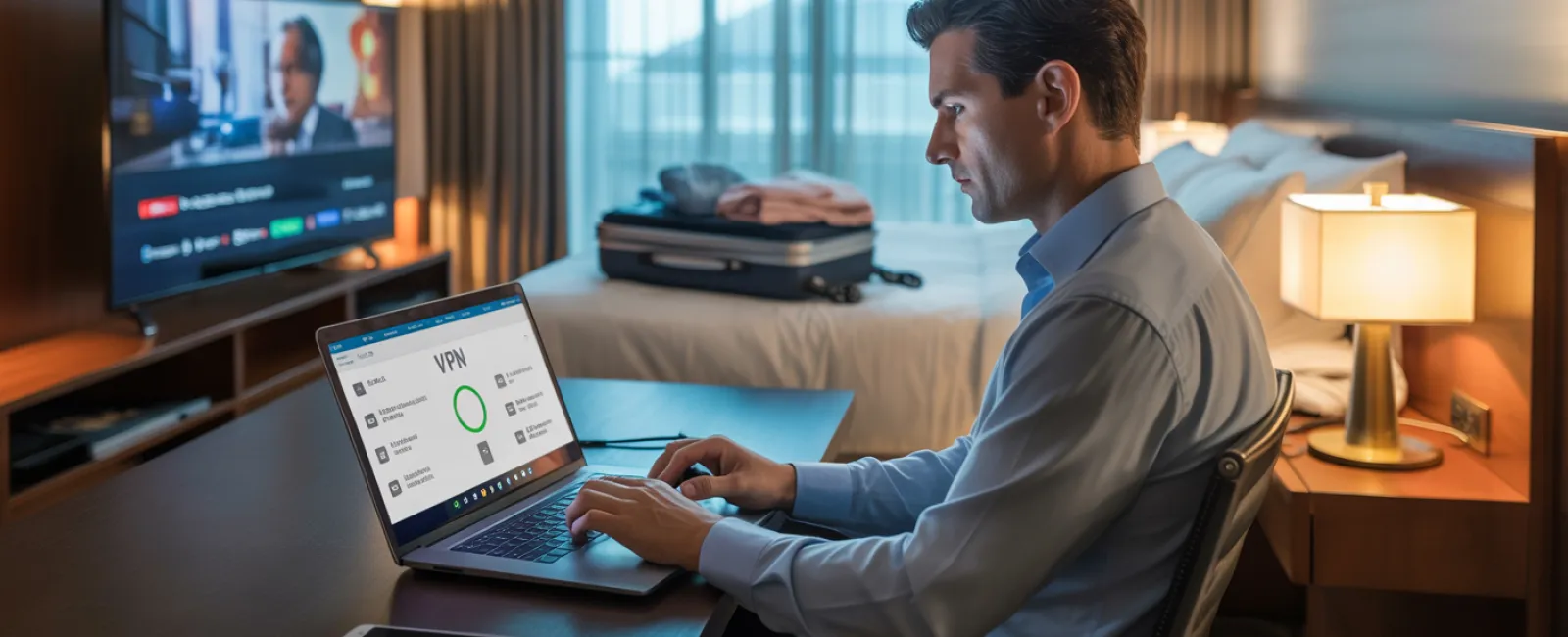
Imagine you're midway through a tiring five-hour holiday drive. Your daughter asks, "Can I play Roblox on your laptop?"—your work laptop that holds sensitive client data, financial records, and business access. Despite your exhaustion and the long drive ahead, giving in might seem harmless. But it's not without risks.
Holiday travel introduces security challenges rarely encountered during your usual routine. Fatigue, distractions, unfamiliar WiFi networks, and blending family time with work checks all create openings for data breaches. Whether you're traveling for work, leisure, or a mix of both, this guide equips you with essential tips to safeguard your information and enjoy the holiday stress-free.
Essential 15-Minute Security Prep Before Departure
Spend just 15 minutes prepping your devices to minimize risks:
Device Fundamentals:
- Apply all security patches and updates promptly
- Back up crucial files on a reliable cloud platform
- Set automatic screen lock to activate within two minutes
- Enable "Find My Device" features on all phones and laptops
- Charge your portable power bank fully
- Pack all necessary charging cables and adapters
Discuss Family Device Rules:
- Clarify which devices children may use and which are off-limits
- Provide a family-friendly tablet or secondary device for entertainment
- If kids must use your laptop, create a restricted user account for them
Pro tip: If kids want device time during the trip, bring a tablet that won't connect to your work accounts—investing in a $150 iPad beats the cost of a serious data breach.
How to Navigate Hotel WiFi Securely
Once you check into a hotel, everyone rushes to connect their devices to the hotel's WiFi: streaming videos, checking emails, and more. But hotel networks are public and crowded, often hosting untrustworthy guests.
True story: A family connected to a counterfeit WiFi network mimicking their hotel's name, exposing passwords, credit card info, and emails to cyber criminals for two whole days.
Protect Yourself with These Steps:
Confirm the WiFi network name with the front desk—never guess the connection.
Use a VPN for work-related activities: This encrypts your online traffic and shields sensitive data.
For sensitive tasks like banking, rely on your phone's mobile hotspot instead of hotel WiFi.
Separate work and leisure connections: Kids can stream cartoons on hotel WiFi, but reserve your phone hotspot for work.
The Risks of Letting Kids Use Your Work Laptop
Your work laptop grants access to critical email, financial portals, and client files. Kids wanting to stream YouTube or game may unwittingly compromise your security.
Why it's risky: Children may download harmful files, click deceptive ads, share passwords, or forget to log out. These actions aren't malicious, but they can expose your business to serious threats.
Recommended Approach:
Avoid sharing work devices with kids altogether. Politely explain, "This is for work only, but you can use [other device]." Consistency is key.
If sharing is unavoidable:
- Create a separate, restricted user profile
- Monitor their activity closely
- Prevent any downloads
- Avoid saving their passwords on your device
- Clear browsing data once they're done
Better solution: Carry a dedicated family device during travel—even an older tablet or laptop without work access provides peace of mind.
Why Logging Out from Hotel Smart TVs Matters
Your family enjoys Netflix on the hotel's smart TV, logging into your personal account. If you forget to log out before checkout, the next guest gains access. Worse, reused passwords elsewhere could be exploited.
How to Avoid This Pitfall:
- Use your own device and cast content to the TV for safer viewing
- Set a phone reminder to log out of streaming accounts before checking out
- Even better: Download shows in advance to watch offline and bypass hotel TVs
Avoid Logging Into Important Accounts on Hotel TVs:
- Banking apps
- Work-related systems
- Email
- Social media platforms
- Any account with stored payment details
Immediate Actions If Your Device Is Lost During Travel
With the chaos of travel, devices can be forgotten in hotels, restaurants, cars, or airports. If this happens:
Within the first hour:
- Use the "Find My Device" function to locate it promptly
- If unrecoverable, lock it remotely to prevent access
- Change passwords on critical accounts from a secure device
- Contact your IT team or managed service provider to revoke corporate access
- Notify relevant parties if sensitive business data was stored on it
Essential Security Features Your Devices Should Have Before Traveling:
- Remote tracking activated
- Strong, unique password protection
- Automatic encryption of stored data
- Ability to perform a remote wipe if needed
If a family member misplaces their device, apply the same security steps immediately.
Avoid the Rental Car Bluetooth Data Trap
Connecting your phone to a rental car's Bluetooth for music or navigation often stores your contacts, call logs, and even text previews in the vehicle's system.
Without clearing this data before returning the car, the next driver can access your personal information.
Quick 30-Second Cleanup Before Returning Your Rental:
- Remove your phone from the car's Bluetooth devices list
- Clear recent GPS destinations and search history
- Or use an aux cable or avoid Bluetooth connections entirely
Maintaining Boundaries During a "Working Vacation"
It's tempting to answer emails, take calls, and work from your holiday location, but frequent interruptions hurt both family time and security vigilance. Multitasking increases the chance of clicking unsafe links or connecting to questionable networks.
To strike a balance:
- Schedule specific times to check work email, ideally twice daily
- Use your mobile hotspot for work rather than hotel WiFi
- Work from your hotel room to keep your screen private
- Fully engage with your family during non-work hours
The best security step? Take a true break. Your business can survive a week offline, and you'll return more alert against security threats.
Adopt a Mindful Holiday Travel Security Approach
Holiday travels blur the lines between work and family. Sometimes kids really need that laptop. Sometimes urgent emails must be checked while on the road. The aim isn't to be perfect—it's to manage risk intentionally:
- Prepare and secure devices ahead of your trip
- Identify high-risk activities (e.g., banking over hotel WiFi) versus safer alternatives (e.g., hotspot email access)
- Keep work data and family usages separated where possible
- Have a recovery plan for potential incidents
- Learn to say, "Not on this device," and stand firm
Enjoy a Secure and Joyful Holiday Season
Holidays are for making lasting memories with loved ones—not managing data breaches or client crises.
A little foresight and straightforward rules can protect your business without spoiling vacations. Everyone enjoys peace of mind: your family, your clients, and you.
Need expert guidance to establish travel security protocols for your team and yourself? Click here or give us a call at 1300 765 014 to book a free 15-Minute Discovery Call with us. We'll help you create practical policies that protect your business without making travel impossible.
Because no holiday story should start with "Remember when Dad's laptop got hacked?"


